What the site is for
People arrive at a voice actor’s website with a specific job in mind: a producer needs a warm commercial voice, a publisher needs a narrator, a studio needs a character. The site works when that person hears something right within a few seconds and knows how to take the next step.
Everything below follows from that. If a page or a section does not help someone hear you or book you, it can wait.
The first screen
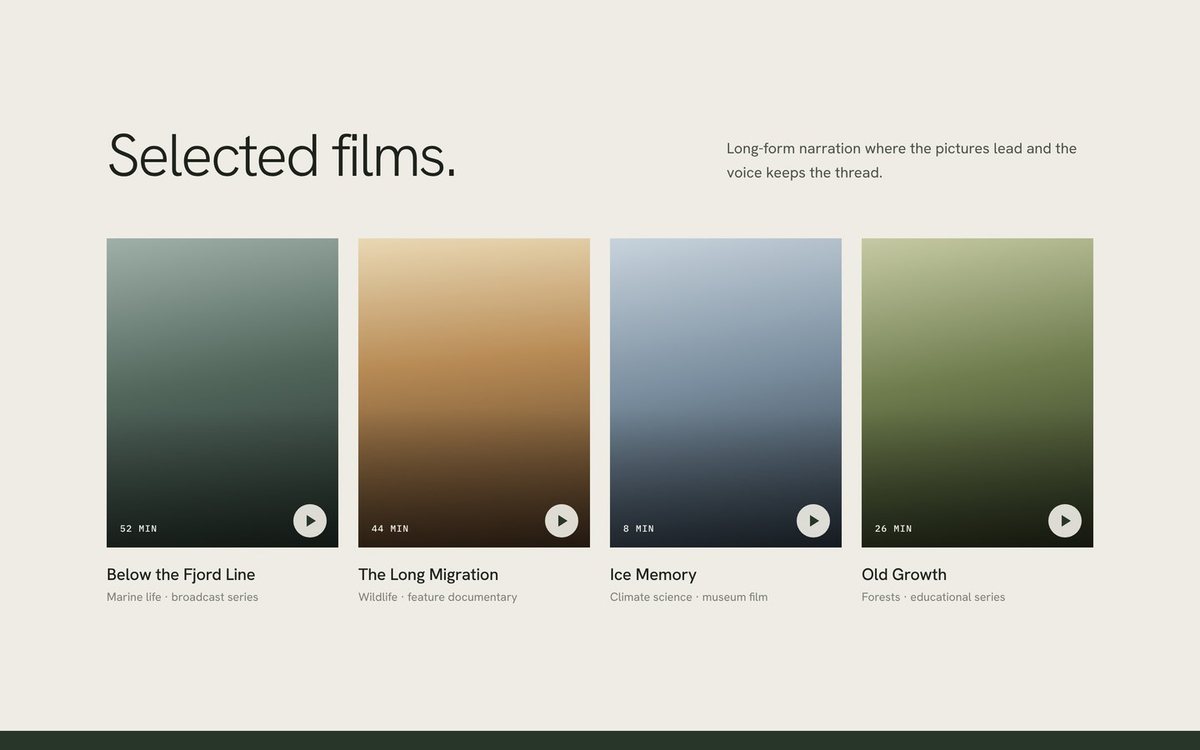
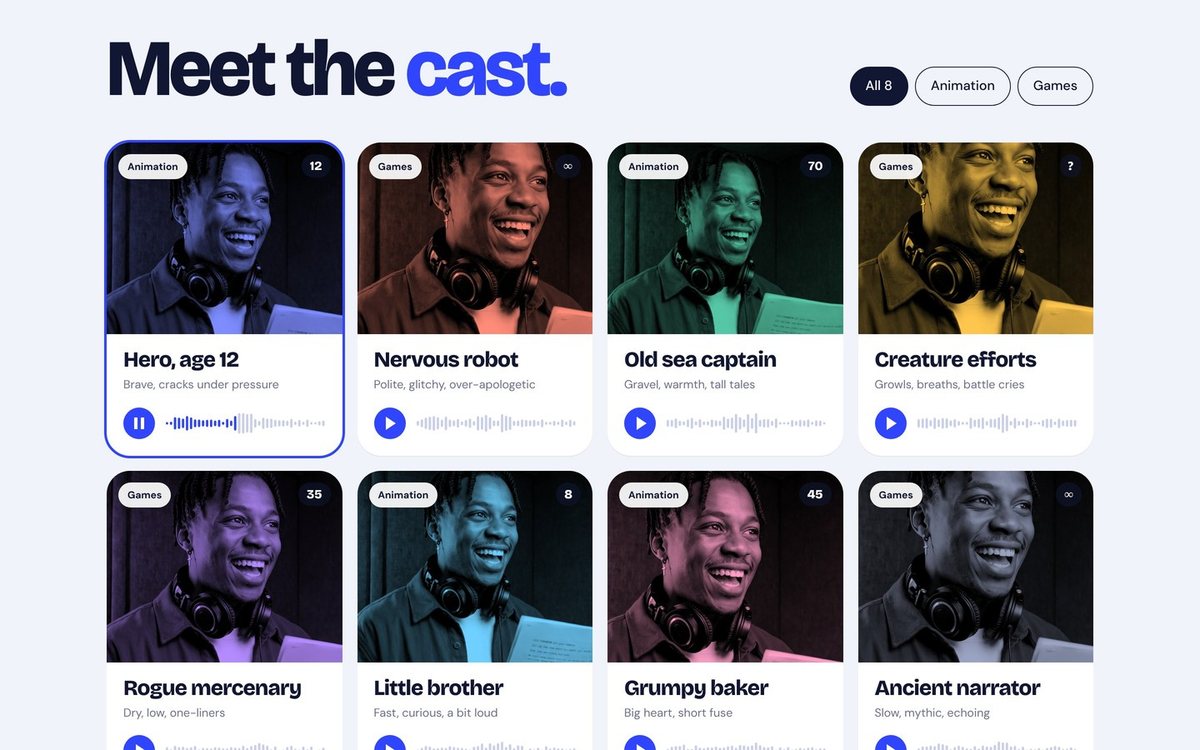
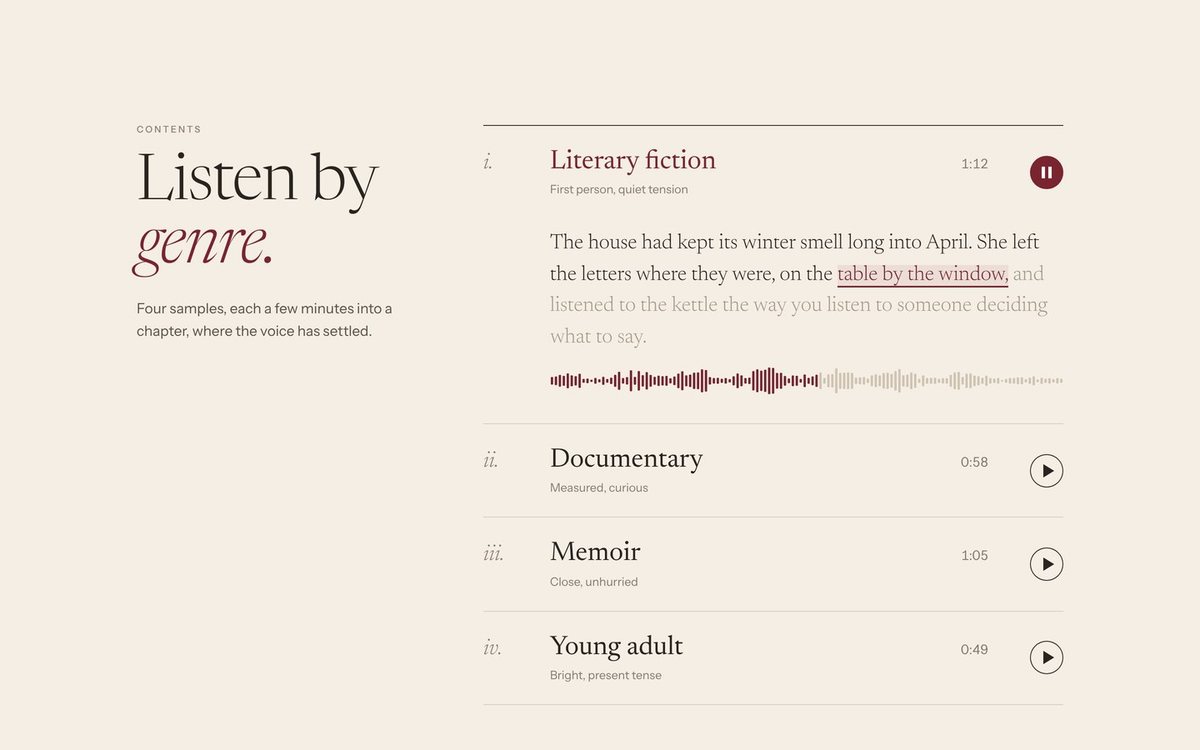
Put your reels on the first screen, not behind a menu. One clear play button, the length shown, and a title that says what the reel is for: “Commercial”, “Documentary narration”, “Audiobooks, fantasy”. No autoplay: sound that starts on its own surprises people and many browsers block it.
Beside the reel, say in one line who you are and what you voice. A producer should know in the same glance what you sound like and what you do.
Reels, in the order you want to be booked
Lead with the work you want more of. Sort reels by the kind of job, then by language or accent where it matters. The demo reel guide goes through what belongs in each reel; here the question is only where they sit.
If you work in several languages or accents, label each reel plainly, because producers search for exactly that. “Spanish · Latin American · Commercial” is useful. “Demo 3” is not.
About you, in a paragraph
A short bio, a photograph and a line about your background. Keep it under what a producer reads before pressing play. A long biography belongs further down the page.
Your studio
Say what you record with and how you can work: your booth, microphone, interface and the connection options you can use, such as Source-Connect or ipDTL. Add your usual turnaround and file formats. This is practical information that saves a producer an email.
Credits and selected work
List the clients and titles you are free to show, each with the spot or title behind it. If you have none yet, leave the section out rather than filling it. Do not present a demonstration as aired work for a real client.
Languages, accents and representation
State your languages and accents where producers look for them, with your agent’s details if you want them shown. If you are union or non-union, or work under a particular agreement, say so plainly.
How to book you
Make the next step obvious on every page. A booking route that asks for the script length, the usage and the deadline lets you reply with a quote at the first answer. Keep it short; long forms put people off.
What to leave out
- A homepage splash that makes people click before they hear anything.
- Autoplay. Let the visitor choose.
- Every credit you have ever had. Choose what supports the work you want.
- Stock photographs of microphones. A real photograph of you and your booth says more.
- A separate “portfolio” page that repeats your reels and credits.
Speed and phones
Most producers will open your link on a phone. The page should appear immediately and the reel should be one tap from playing. Load the audio only when someone presses play, not when the page opens.
A checklist before you publish
- Reels on the first screen, one tap from playing, no autoplay.
- Reels labelled by kind of work, language and accent, with their length.
- A one-line description of who you are and what you voice.
- A short bio and a real photograph.
- Your studio and connection options.
- Credits you are free to show, and nothing else.
- Languages, accents and, if you want it, your agent.
- A booking route on every page that asks the right questions.
- A fast page on a phone.